Fastboot
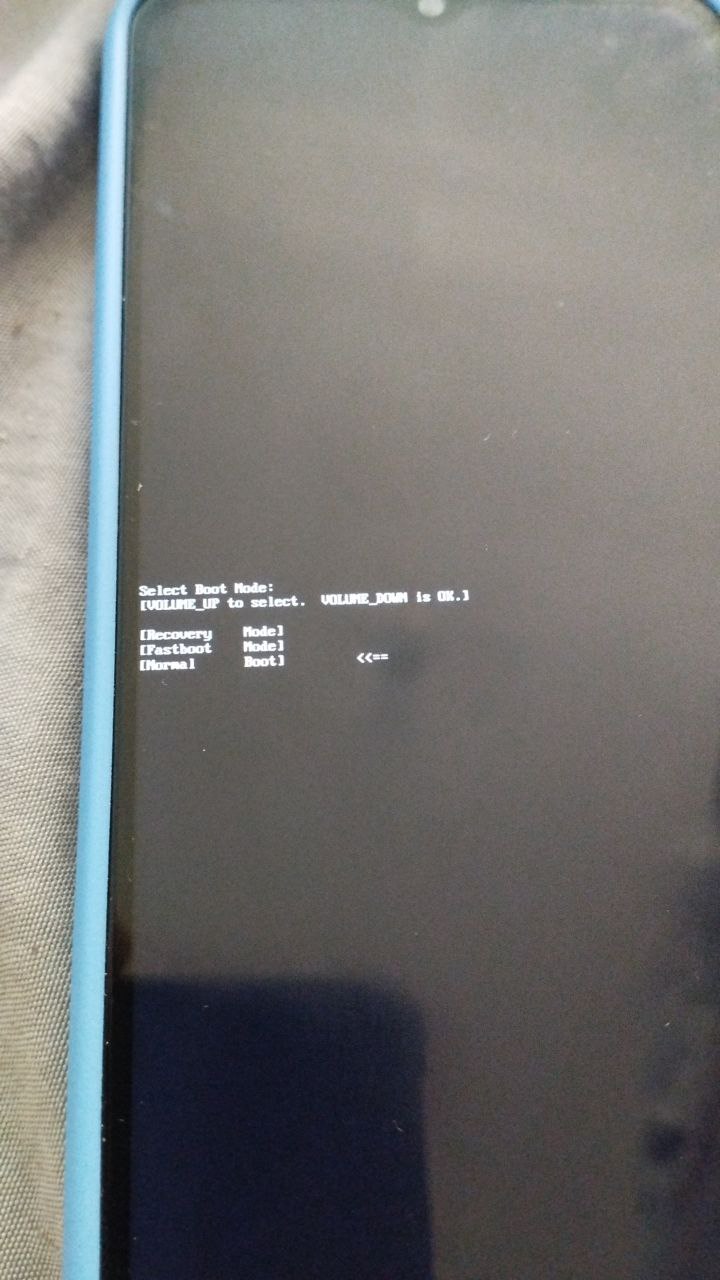
Boot to Fastboot mode
There are many ways to boot into Fastboot mode, you can use one of the last complicated ways if for some reason you can't boot into Fastboot.
Using ADB command
- Enable USB debugging
- Connect the phone to PC, run
adb devicescommand and confirm USB debugging if you have not connected the phone to the current PC via adb before - Run the command via adb to reboot into fastboot
adb reboot bootloader
Using buttons
- Power off phone
- Press VOL+ & Power and select “Fastboot” in the menu.
Using Serial Command in Preloader Mode
- Power off phone
- Install MTK driver (If you have Windows) - See tools
- Clone fuckyoumoto-utils repository
- Install dependencies
pip install -r requirements.txt - Run
mtkbootcmd.pyscriptpython mtkbootcmd.py FASTBOOT - Connect the phone to PC (It should be detected as Preloader)